To optimise airworthiness monitoring and better anticipate aircraft downtime, OpenFlyers is introducing a new feature in its maintenance module: automatic email alerts regarding remaining airworthiness.
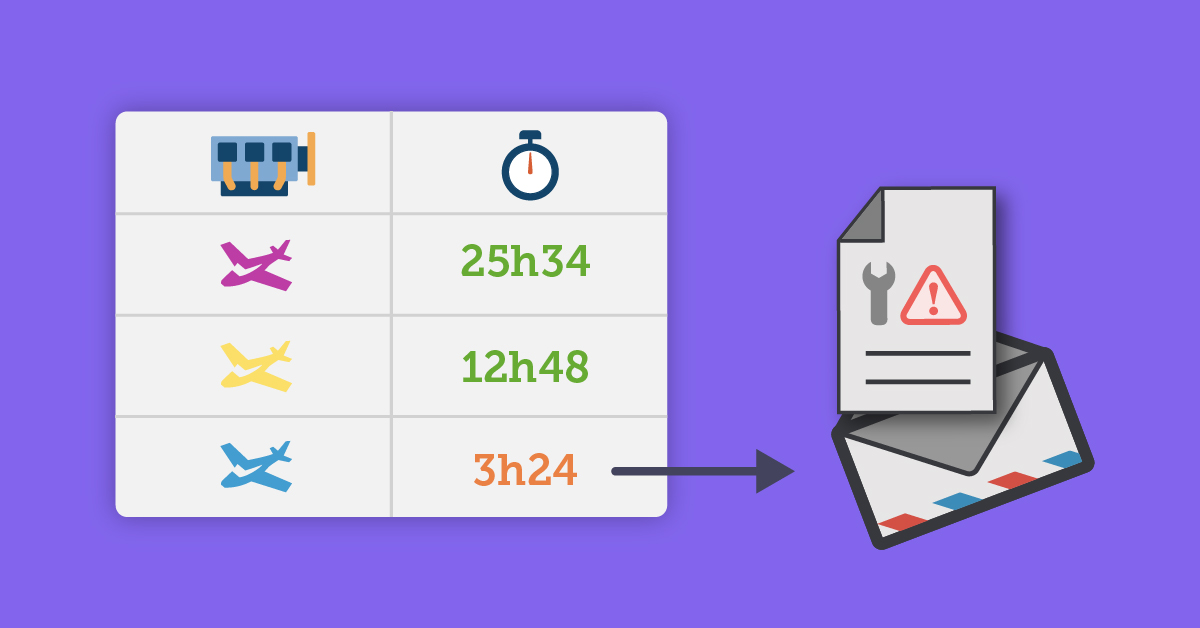
Until now, mechanics and fleet managers had to log in to the platform to view the "Overview" page or the schedule in order to check maintenance deadlines (time-based or calendar-based deadlines). Now, the information is sent directly to the relevant people as soon as a critical threshold is reached.
A 3-level alert system
Managers can set up to 3 levels of customised deadlines (time-based and calendar-based) for each resource:
- Warning threshold
- Alarm threshold
- Stop threshold
For each threshold (whether it relates to operating hours, engine hours or calendar-based deadlines such as CDN renewal), you can set up automated email alerts. OpenFlyers’ daily processing detects when a threshold is exceeded and sends a single notification to subscribed users, thereby preventing email overload.
How do I enable this feature?
To receive these alerts, a simple three-step configuration is required:
- Set thresholds for the resource: In the maintenance tracking module (Management > Resources > Airworthiness), configure the thresholds and email notification options for each required threshold.
- Grant permissions to the relevant profiles: the administrator must ensure that the profiles of managers or mechanics have the specific permission: Notified by email for any activity entry or maintenance alert (available in the Activities tab of profile management).
- Subscribe individually: each relevant user must go to their personal profile (Planning > Data > Personal > Display and personal profile), then Activity notifications section, and tick the option: Receive potential alert emails.
Thanks to this automation, communication between the maintenance team and users is streamlined, thereby reducing the risk of exceeding voltage limits.
To find out more and configure this feature, here are the links to the documentation:
-
Setting up maintenance limits:
https://openflyers.com/fr/doc/of4/Suivi-de-maintenance#Butées-de-maintenance -
Managing maintenance rights and profiles:
https://openflyers.com/fr/doc/of4/Gestion-des-profils#Alertable-par-email-pour-toute-saisie-d-maintenance-activity-or-alert -
Enabling alerts in the personal profile:
https://openflyers.com/fr/doc/of4/Fiche-personnelle#Recevoir-les-emails-d'alerte-de-potentiel