In order to accommodate aircraft for which engine hours must be tracked separately from airframe hours, it is now possible to enter engine hours in addition to flight hours. This feature can also be useful for helicopters and motor gliders.
Once the settings are in place, the change is minimal on the user interface side:
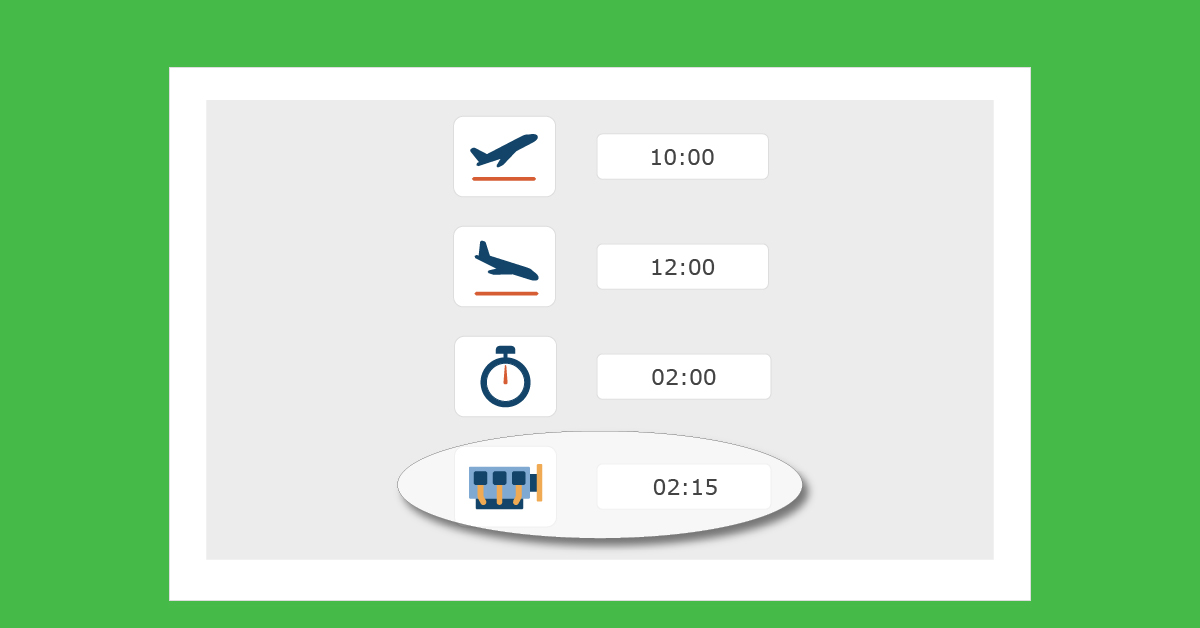
- In the activity entry form, a new Engine time field appears below the Activity time field. Like the Activity time field, it can be filled in automatically using a formula defined in the settings. Typically, this can be the difference between the counters.
- In the tables listing activities (Flight book, Aircraft log book, Account statements), as soon as at least one aircraft type is configured to track engine time, an additional column appears.
On the management side, the change is reflected by the addition of:
- In Management > Resources > Active > Modify, an additional field, Total engine hours at start date, which allows you to define the total airframe hours at Flight time computation begin date
- In Management > Resources > Navigability > Modify, an additional column, Engine Hours, allowing you to define the next threshold for engine hours and thus track two different potentials: activity hours (airframe hours) and engine hours
- The addition of an Engine Time column in the tables listing activities for tracking counters or for activities to be validated
In terms of settings, in Admin > Resource Types > Active > Modify, in the Data for activity management column, a new switch appears: Calculation of engine time different from flight time, which allows a new field to appear: Engine time calculation formula. This calculation formula automatically fills in the Engine time field in the activity entry form. Activating the switch mentioned above also determines the display of an additional Engine time column in the tables listing activities.
Management documentation:
https://openflyers.com/fr/doc/of4/Gestion-des-activités#Lister-les-activités
https://openflyers.com/fr/doc/of4/Gestion-des-ressources#Changer-le-total-des-heures
https://openflyers.com/fr/doc/of4/Suivi-de-maintenance#Butées-de-maintenance
Documentation for configuration:
https://openflyers.com/fr/doc/of4/Gestion-des-ressources#Ajouter-un-type-de-ressource