Each OpenFlyers user can now export their flights entered in OpenFlyers directly to their Carnet.aero digital logbook, eliminating the need for duplicate entries.
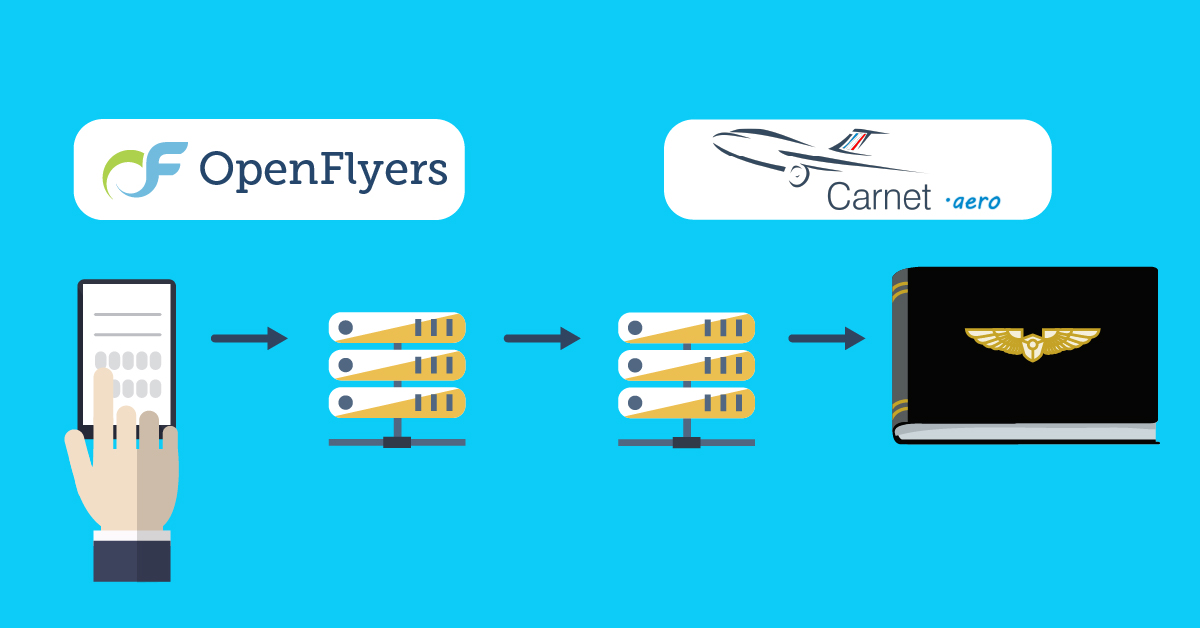
Whether you are a student pilot, pilot or instructor, and whether you use one or more OpenFlyers platforms, the gateway to Carnet.aero is now operational.
On the Carnet.aero side:
- If you haven't already done so: open an account at carnet.aero
- Log in to the carnet.aero website
- Click on Settings (top right)
- Click on the API tab
- Copy the values from the UserId and UserSecretKey fields
On OpenFlyers:
- Log in to the relevant OpenFlyers platform.
- Go to Planning > Data > Personal > Display and personal file.
- In the Activity synchronisation section:
- Paste the User ID.
- Paste the User Secret Key.
- Click on the Check connection button
Once the connection has been established, you can set an export start date and force synchronisation to retrieve your past flights.
Note for managers: the administrator does not normally need to make any configuration changes. Activities are linked automatically. For specific adjustments, go to Admin > Users > Statuses.
For more information:
https://openflyers.com/fr/doc/of4/Interfaçage-OpenFlyers-et-Carnet.aero
https://openflyers.com/fr/doc/of4/Fiche-personnelle#Synchroniser-les-activités-avec-Carnet.aero