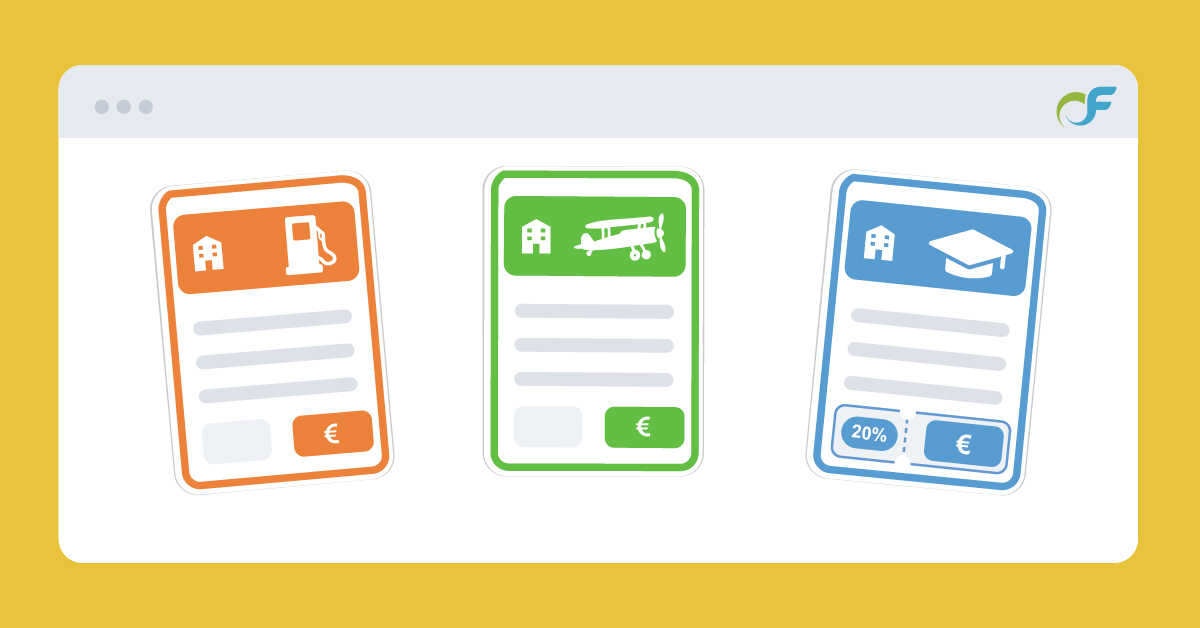
Multi-accounting capabilities are being expanded: it is now possible to issue invoices in the name of different legal entities from a single OpenFlyers platform. An organisation can therefore invoice flight hours via its main accounts and fuel sales via a separate set of accounts, with each invoice bearing the letterhead of the relevant entity.
One legal entity per set of accounts
Since the 2010s, OpenFlyers has offered the option of maintaining multiple sets of accounts within a single platform. This feature is used in particular to manage accounts in different units, such as a main set of accounts in euros and a supplementary set of accounts in flight hours, for the sale of flight hour packages and the tracking of associated credits.
It was already possible to maintain separate accounts for different entities, but only a single legal entity appeared at the top of invoices. Each set of accounts can now be linked to its own legal entity. This is particularly useful when business activities are spread across several entities: for example, one for lettings, one for training and one for the operation of a fuel tank.
Customising invoices for a ledger
To link an entity to a ledger, the administrator must:
- Go to Admin › Accounts › Ledgers › Ledgers
- Click on the pencil icon in the row for the relevant accounting system
- In the Invoicing column, fill in the fields according to the entity
- Click on the Save button
The document title can be customised for each accounting system, to suit the nature of the entity and its transactions (‘Invoice’, ‘Note’, etc.).
Find out more in the documentation
General accounting settings: